Holiday Season Website Checklist for US and Canada: Black Friday to Boxing Day
For many small businesses in the US and Canada, the weeks from Thanksgiving to the new year bring the busiest traffic of the year. Customers look up your hours, compare offers and check out from their phones, often in a hurry. A few small jobs done in the right order keep your website from losing sales it should win.
By the ideas2pixels team
7 min read
01
The key dates to plan around
Thanksgiving falls on Thursday 26 November 2026 in the US. Black Friday follows on 27 November, Small Business Saturday on the 28th, Cyber Monday on 30 November and Giving Tuesday on 1 December. In Canada, Black Friday and Cyber Monday are widely marketed too, and Boxing Day on 26 December is a major sales day. Christmas Day is Friday 25 December and the new year starts on Friday 1 January.
Our events page keeps a running calendar of these dates with a tip for each, so you can plan from one place.
02
Two weeks before: get the basics right
Do these first, while there is still time to fix anything you find.
- Check your opening hours on your site and your Google Business Profile, including special holiday hours.
- Write your offers down with start and end dates, and decide which page each one lives on.
- Order any holiday photos, banners and gift cards early, and confirm delivery cut-off dates with your couriers.
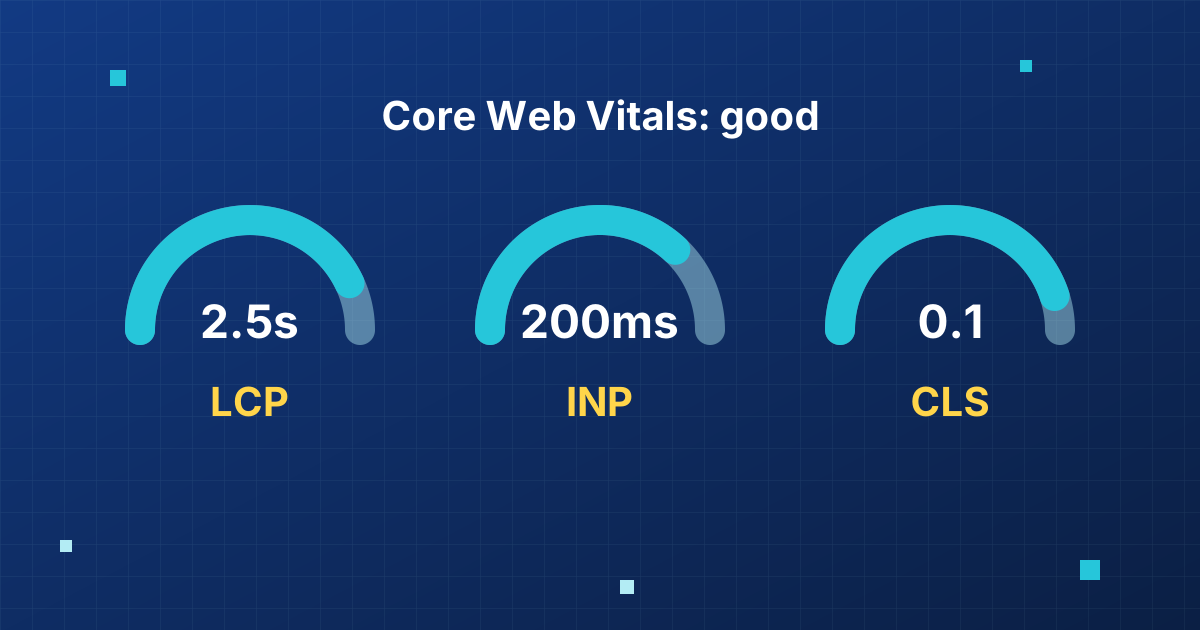
- Run a speed test on your homepage and your busiest page, and fix anything slow.
03
The week of: make offers easy to find
Put the offer where visitors see it first: a short banner, a clear headline on the homepage and a dedicated page you can link to from emails and social posts. State what is included, the price, when it ends and any exclusions in plain words.
Test the whole journey on a phone, from tapping the offer to completing payment or booking. A broken checkout on Black Friday costs far more than any discount you offer.
04
Holiday hours and delivery notices
Customers search for who is open before they search for who is good. Publish your hours for Thanksgiving, Christmas Eve, Christmas Day, Boxing Day, New Year's Eve and New Year's Day. Add the last order date for delivery, and put it in the cart as well as on a banner, so nobody is disappointed.
If you serve Canadian and American customers, remember that holidays differ. Remembrance Day, Canadian Thanksgiving and Boxing Day are not observed the same way across the border, and the day off can vary by province.
05
After the rush: look back and plan ahead
In early January, check which pages and offers brought in the most visitors and sales, and note any problems customers reported. Remove expired offers, restore your normal hours and thank customers.
Then use the quiet weeks to make the changes you postponed. Our free New Year launch planning webinar on the events page walks through a four-week plan from decision to launch.
Common questions
When should I update my website for the holidays?
Start two weeks before Black Friday with your hours, offers and speed, then update again a few days before each date.
Is Black Friday big in Canada?
Yes. Many Canadian retailers run Black Friday and Cyber Monday sales, and Boxing Day on 26 December is a major sales day.
Should I change my Google Business Profile hours too?
Yes. Many customers see your hours on Google first, so keep special holiday hours up to date there as well.
Want us to build it for you?
One setup fee, then a simple monthly plan with your domain, hosting, support and edits included.
Keep reading
- Performance
6 min read
Core Web Vitals Explained: LCP, INP and CLS for Small Business Owners
Core Web Vitals are Google's measures of how fast, responsive and stable your site feels. Here is what each one means, the targets to aim for and the simple fixes.
Read the guide → - AI search
7 min read
GEO and AEO: How to Get Your Small Business Recommended by AI Search
AI Overviews, ChatGPT and other AI search tools now answer questions about local businesses. Here is what generative engine optimization (GEO) means and what to change on your website.
Read the guide →