Is Your Website Actually Mobile-Friendly?
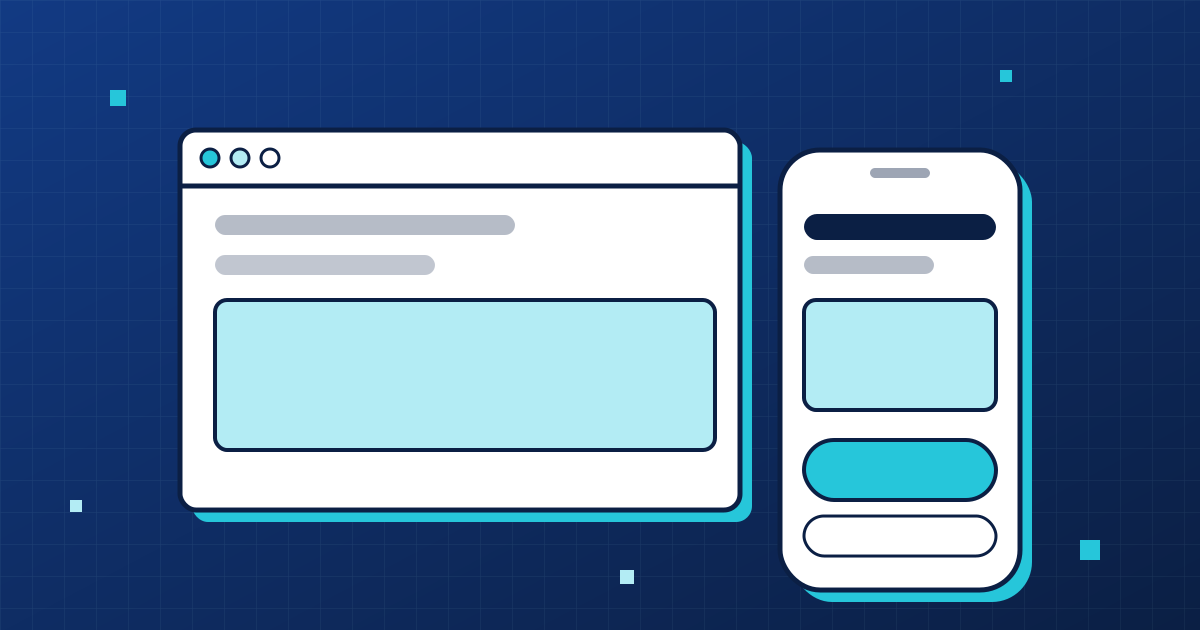
Plenty of your customers will find you on a phone, often while they're out and want an answer right now. If your site is fiddly to use on a small screen, they won't pinch and zoom their way through it. They'll leave. And mobile-friendly doesn't mean a squashed copy of the desktop page. It means a page built for thumbs.
By the ideas2pixels team
4 min read
01
What it actually means
The layout adapts to the screen, with no sideways scrolling. Text is big enough to read without zooming. Buttons and links are large enough to tap and spaced far enough apart that you don't hit the wrong one. The menu is simple. And the pages load quickly on a mobile connection, not just on your office wifi.
02
Testing yours
Pick up your own phone and do what a customer would do: find the opening hours, ring the number, send a message, look at your services. Then hand the phone to someone else, ideally with a different model, and watch where they struggle. Dragging a browser window narrower on your computer is a useful extra check, but it isn't the same thing.
03
The usual problems
Tiny text. Links packed so close together you can't tap one cleanly. Pop-ups that cover the whole screen and have a close button you can barely see. Phone numbers that are just text rather than something you can tap to call. Forms with far too many fields. And huge images that make everything slow.
04
It matters for search too
Google mainly looks at the mobile version of a page when deciding how to rank it. If your phone version is thin or broken, your rankings can suffer even when the desktop site looks lovely.
05
Make the next step easy
On a phone, keep the main action within reach: a tap-to-call button, a short form, opening hours where people can see them. Every extra step costs you a few customers.
Common questions
Do I need a separate mobile site?
No. One site that adapts to every screen is simpler and better for search.
How do I know how many visitors use phones?
Your analytics will show the split. For many local businesses, phones are the majority.
Are pop-ups a problem?
Big ones that block the page annoy people, and Google discourages them. If you must use one, keep it small and easy to close.
Want us to build it for you?
One setup fee, then a simple monthly plan with your domain, hosting, support and edits included.
Keep reading
- Pricing
6 min read
How Much Does a Small Business Website Cost?
What a small business website really costs: DIY builders, freelancers and done-for-you packages compared, plus the ongoing costs people forget. Packages here start at $399 setup.
Read the guide → - Industry guides
4 min read
What a Restaurant Website Needs (and What It Doesn't)
The things a restaurant, cafe or takeaway website has to get right: menu, hours, location and booking, plus the mistakes we see most.
Read the guide →